Touch up bitmaps
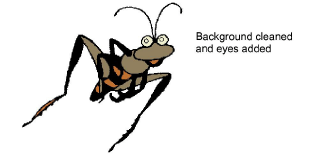
Sometimes you need to edit bitmap images directly in a third-party graphics package. You would normally do this in order to eliminate backgrounds, flood-fill solid areas with color, add or reinforce outlines, or close gaps. From within EmbroideryStudio you can open images directly in MS Paint, Corel PHOTO-PAINT®, or Paint Shop Pro™. Images updated in this way are automatically re-imported into EmbroideryStudio.
To touch up a bitmap...
- Select the image.
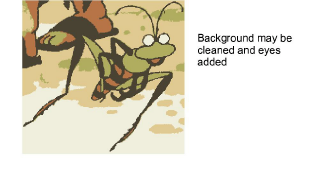
Select Graphics > Edit Using >.... The image opens in the select graphics package.
Edit the image and save.
Note
If you return to EmbroideryStudio before closing the image in the graphics package, it is overlaid with stripes.
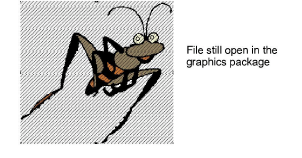
- Return to the graphics package and select either File > Close or File > Exit & Return <FileName>. In EmbroideryStudio, the stripes will disappear.