Sequence with the Color-Object List
 | Use Docker > Color-Object List to resequence objects. |
|---|
The Color-Object List provides an easy way to select objects in designs and access their properties.
To sequence with the Color-Object List...
- Click the Color-Object List icon.
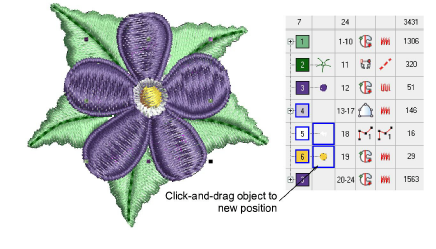
- Select the color block or object to resequence.
- To select a range of items, hold down Shift as you click.
- To select multiple items, hold down Ctrl as you click.
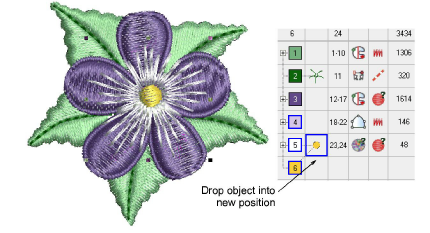
- Click-and-drag selected objects to reposition them.
TIP
You can also use the Color-Object List to group, lock, and hide objects.