Splitting objects
 | Use Travel > Travel by Segment to move stitch cursor to the next/previous segment. Left/right click. |
|---|---|
 | Use Travel > Travel 1 Stitch to move stitch cursor forwards/backwards 1 stitch at a time. Left/right click. |
 | Use Stitch > Split Object to split object in two at current needle position. Use with Travel by Stitch functions. |
Use the Split Object command to split most embroidery objects. Run objects may also be split but Complex Fill and Complex Turning objects may not.
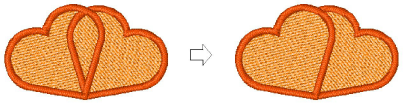
To split objects...
- Use the Travel by Segment or Travel by Stitch functions to move to the stitch where you want to split the object. See also Travel through designs.
- Select Stitch > Split Object.
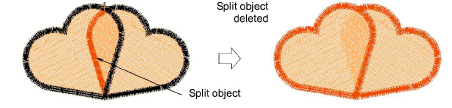
TIP
You can convert any split manual objects to outline objects with Process Stitches.