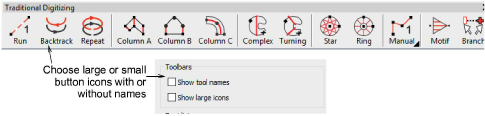
Toolbar display options
 | Use Standard > Options to access application options for design view, grid & guides, and other settings. |
|---|
You can adjust toolbar appearance via the Options > General tab. Choose between large or small button icons, with or without short names.