Manage fonts
Modify custom fonts by changing names, default letter spacings and join types. If a font is no longer required, delete it. To modify fonts, select Setup > Manage Alphabets.
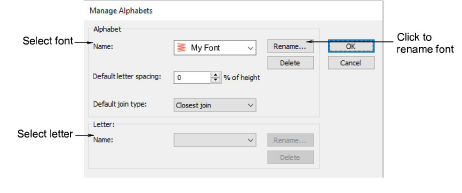
Use this dialog to:
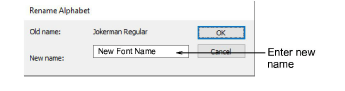
- Rename a custom font.
- Delete a font.
- Change default letter spacing.
- Change the default join type.
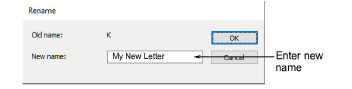
- Delete or rename selected letters. You can use names with more than one character.